
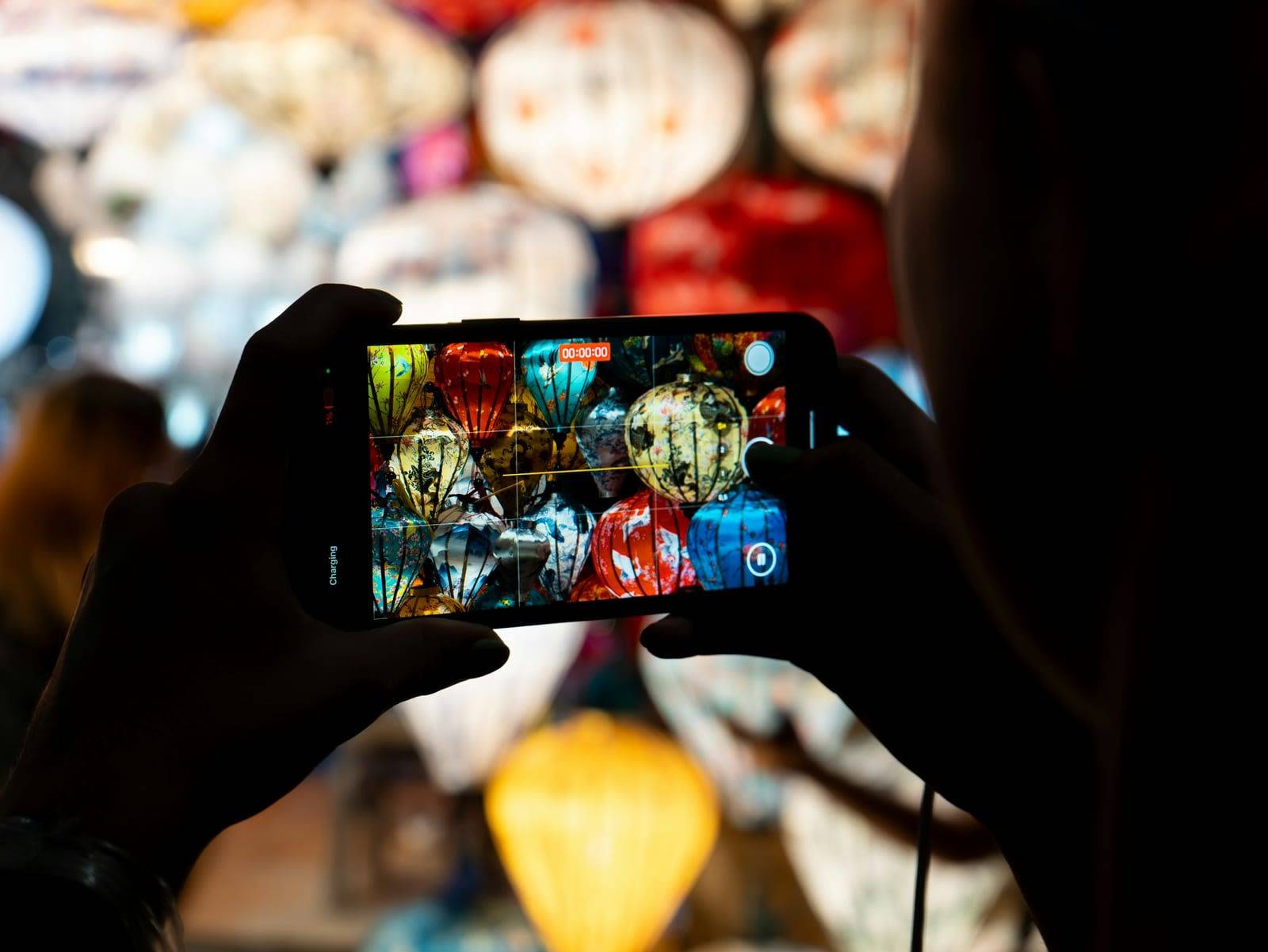
Someone photographing coloured lanterns with a phone

Before you go · step 7

Land with your phone already working

An eSIM is the easiest way to be online out there: you sort it at home and you are connected the moment you land. The catch is that there is no single package that suits everybody. A few questions below and you will know what to filter for, then you pick it yourself from the full range.

First evening, first photo

Online the second you land no queue at the SIM card counter
Your home bundle stops here roam like at home ends at the edge of the EU
Your own number keeps working WhatsApp and your banking app carry on
Hundreds of packages below you will find out how to filter yours out
Why bother

What goes wrong if you sort nothing

None of this is dramatic on its own. Together it is the difference between walking out of the airport knowing where you are going, and standing at arrivals at two in the morning with no idea and no map.

The expensive one

Roaming stops at the EU border

Thailand, Vietnam, Laos, Cambodia and the Philippines are not in your European bundle. Roam like at home covers the EU and the EEA, and nothing beyond it. Without an eSIM you pay per megabyte or buy a daily pass from your own provider, and both add up fast. Look up your provider’s out of bundle rates before you go, so the bill is not the surprise.

The queue at the SIM counter

Every airport in Asia has the stalls ready, but you hand over your passport, fill in a form and wait. At two in the morning after a twelve hour flight you will have precisely no appetite for that.

Hostel wifi is not a plan

It works in the lobby, sort of works in your room, and does not exist on the night bus, on the slow boat, or on a scooter heading for a waterfall you can no longer find.

You need it before you arrive, not after

Ordering a Grab, putting your hostel on the map, telling someone at home you landed: you want to do all of that as you step off the plane, not two counters further along.

Work out which

Which eSIM do you need?

Three questions about your trip and you will know what to filter for: one regional package or separate ones per country, how much data, and for how many days. You only go to Trip.com when you click the button yourself.

1 Which countries are you doing?
2 How long are you away?
3 What do you do with your data?
What we are working with
  • 0.3 GB a day if you only navigate, use WhatsApp and look something up now and then.
  • 0.7 GB a day for normal use: social media, music and video calls home on top of that.
  • 1.5 GB a day if you stream or run your laptop off the hotspot. Sharing that hotspot with someone? Then simply count twice.
  • Rounded up to whole GB, because that is how packages are sold.

It is a rule of thumb, not a measurement. Want to be sure? Look in your phone’s data usage and see what you get through on an ordinary day at home, then work from that. On the road you tend to use a bit more navigation and a bit less streaming than you do at home.

A busy night market with lit up stalls and shops

First things first

First things first

Can your phone even do this?

*#06#

Type that code into your phone as though you were dialling a number. A short list of numbers appears straight away. Is there an EID among them? Then your phone has an eSIM and you are set. Only an IMEI? Then it cannot, and you become a SIM card buyer instead. It costs you nothing and it takes five seconds, so do it before you read on.

iPhone

iPhone XS, XS Max and XR, and everything after

Anything from 2018 onwards does eSIM. Two things worth knowing. The iPhone Air has no SIM tray at all, anywhere in the world, so on that phone an eSIM is not a convenience but the only way online. And in twelve territories, the United States and Canada among them, Apple sells every iPhone from the 14 onwards without a tray. Bought yours in Europe? Then a numbered iPhone still has both.

Samsung Galaxy

Galaxy S20 and newer

Plus the Note 20, every Z Fold and Z Flip, and part of the A series. That last bit is worth reading twice if you travel on a second hand phone: the A5x line (A54, A55, A56) does eSIM, the A3x line depends on the region it was sold in, and the A2x and below generally cannot.

Google Pixel

Pixel 3 and newer

From the Pixel 7 on you can even run two eSIMs at once, so your home subscription and your travel eSIM side by side with no card in the phone at all.

Two things that catch people out. Phones sold in mainland China, Hong Kong, Macau or India often have no eSIM at all, even when the identical model does everywhere else. And a phone that is still locked to a carrier will not take a second eSIM: get it unlocked before you go, which is usually one phone call.

Source: the eSIM support pages of Apple, Samsung and Google. Checked on 13 September 2026.

Five steps

Getting it onto your phone

From ordering to being online is about fifteen minutes, and most of that you do at home. Step four is where nearly everybody comes unstuck, so read that one twice.

  1. 01

    Buy it at home, on wifi

    You get a QR code by email. Installing that code needs internet, which is exactly what you do not have on arrival. Keep the email and screenshot the code as well: at an airport with no working wifi that is the whole difference.

  2. 02

    Install it, do not activate it

    On your phone: Settings, Mobile network, add eSIM, scan the code. With most packages the validity only starts once the eSIM first connects to a network. Do read how yours handles that though, because it varies by provider.

  3. 03

    Put your own SIM on calls only

    Leave it in the phone so your number stays reachable, but switch data roaming off for it. Otherwise your home subscription quietly grabs the local network while your eSIM sits there ready.

  4. 04

    On landing: eSIM on, data roaming on

    This sounds like a contradiction and it is the mistake most people make. A travel eSIM works over roaming itself, on a local network. Leave roaming off for that eSIM and you stay offline with absolutely nothing broken.

  5. 05

    Check WhatsApp and your banking app

    Your eSIM usually has no phone number of its own. WhatsApp, Signal and the text codes from your bank all stay attached to your own number and run happily over your eSIM’s data. Nothing changes about how people reach you.

Honestly though

eSIM, or just a local SIM card?

We use an eSIM ourselves, but we are not going to pretend the card from the 7-Eleven is worthless. For some trips it is straightforwardly the better buy.

What the eSIM wins

  • Sorted before you leave, so you are online the moment the plane lands.
  • No passport copy, no form, no counter.
  • Your own SIM card stays in your phone.
  • You can compare beforehand and read what other travellers thought.
  • One package can cover several countries, so no faffing at every border.

What the local SIM wins

  • You get a local phone number with it, handy for Grab, hostels and bookings.
  • Staying a long time in one country, it is often more data for your money.
  • You are on the local network itself, which can be faster out in the middle of nowhere.
  • You can top it up at any 7-Eleven or phone shop.
  • You do have to buy it there, in person, with your passport.

Our rule of thumb: travelling through several countries, or away for less than a month? The eSIM wins. Staying two months in one country and getting through a lot of data? Buy a local SIM once you are there and use the eSIM only for your first few days. That last plan is a good one anyway: being online on arrival day is half the battle.

The small print

What to look at before you pay

Six things that are not on the product photo but decide whether you are happy with your package. Open whichever applies to you.

The main one Data only, no phone number Read on

A travel eSIM gives you internet, not a local phone number. So you cannot make calls or send texts from it. In practice you barely notice, because WhatsApp, Signal, Google Maps and your email all run over data.

Do need a local number, because a rental place wants to ring you back? Filter for packages that include calls and texts, or just buy a cheap local SIM when you get there.

The clock starts on activation Read on

With most packages the validity counts from the moment the eSIM first picks up a network, not from when you ordered it. So buying it three weeks ahead costs you nothing.

Do read the terms of your package though. The odd provider starts the clock at purchase, and then you buy it the day before you fly instead.

Daily allowance or one big bundle Read on

With a daily package you get a fresh slice of data every day and whatever you do not use that day is gone. With a total bundle you get one pile of GB and you divide it up yourself. There is a filter for it.

Backpacking with a lot of quiet days and the occasional one where you have to sort everything out at once? Then a total bundle is almost always the nicer thing to own.

Not every package allows a hotspot Read on

If you want your laptop or your travel partner’s phone on your hotspot, the package has to permit it. Not all of them do, and there is a filter for that too.

Two of you sharing one eSIM over the hotspot? Then budget the data of two people, or you are out halfway through the trip.

Roaming or local network Read on

Trip.com separates packages that work over roaming from packages that put you on the local network. Roaming usually covers more countries at once; local is normally faster in one place.

Crossing several countries? Choose roaming. Staying a month on one island? Local is the nicer one.

China is its own problem Read on

Google, WhatsApp and Instagram are blocked in China. A roaming eSIM that routes your traffic outside the country often gets around it, but that is not a guarantee anybody can give you up front.

Transiting through China? Install a VPN before you leave whatever else you do. Once you are inside the country you often cannot download one any more.

Before you fly

The list you tick off

Work down it in the weeks before you go. Your browser remembers where you got to.

A man on a parked scooter looking at his phone, with a sign advertising international calls behind him

The sign behind him still sells call minutes

Why Trip.com

Why we send you to the whole range

Recommending one package would be easier for us and wrong for you. Our readers fly from ten different countries on a dozen different routes, and the package that fits a two week trip to Thailand is not the one that fits four months from Hanoi to Palawan. Trip.com sells eSIMs from dozens of providers side by side, with traveller reviews and filters for country, days, data and hotspot. You can work out what fits your route in two minutes.

Do take that one last step though: open the package and read the coverage list. That is where it says whether Laos and Cambodia are included, and that is exactly where regional packages let people down.

See every eSIM on Trip.com

Buy an eSIM through our link and we get a commission. It costs you nothing extra, and it is what keeps these guides free. Read how we handle that

One more thing

The questions we get

What is an eSIM exactly?

An eSIM is a SIM card already built into your phone. Instead of sliding a little card into a tray, you scan a QR code and load a data bundle onto it. Your physical SIM can stay where it is, so you have both at once: your own number to stay reachable, and your eSIM for the internet.

Which eSIM do I need for Thailand, Vietnam, Laos, Cambodia and the Philippines?

It depends on your route. One country and a package for that country is simplest and usually fastest. Several countries strung together and you want a regional Asia package. Watch Laos and Cambodia especially: they fall outside the coverage of many regional bundles, including ones that say ASIA in large letters. Always check the package’s own country list before you pay.

Will my own number still work?

Yes. Your physical SIM stays in the phone, so you stay reachable on your number and you still get your text codes. Do switch data roaming off for that SIM, or outside the EU it will use data anyway. WhatsApp and Signal are tied to your own number and carry on working over your eSIM’s data.

How much data do I need?

As a rule of thumb: around 0.3 GB a day if you only navigate and use WhatsApp, around 0.7 GB a day for normal use with social media and video calls, and around 1.5 GB a day if you stream or run a laptop off the hotspot. To be sure, look at your phone’s data usage and see what an ordinary day at home costs you.

Can I call and text with an eSIM?

Usually not: most travel eSIMs are data only and give you no local number. You call over WhatsApp, Signal or Messenger, which works fine. If you do want a local number, filter for packages that include calls and texts, or pick up a cheap local SIM when you arrive.

Do I install it before or after I fly?

Install at home, on wifi, because installing needs internet. Activation happens on arrival: with most packages the validity starts when the eSIM first connects to a network. Do check that with the package you buy, because providers differ.

Will my phone work with an eSIM?

Type the EID code into your phone as if dialling. An EID among the numbers means your phone has an eSIM on board. Broadly: iPhone XS, XS Max and XR from 2018 and everything after, Samsung Galaxy S20 and newer, Google Pixel 3 and newer. Note that phones sold in mainland China, Hong Kong, Macau or India often lack the eSIM even when the same model has it elsewhere, and that a phone locked to a carrier will not take one.

Is an eSIM cheaper than a local SIM card?

Not necessarily. Staying a long time in one country and using a lot of data, a local SIM is often better value. Travelling through several countries, or away for under a month, the eSIM wins on convenience and usually on price too, because you are not buying again in every country. What an eSIM wins regardless is day one: you are online the moment you land.

What if my eSIM does not work when I land?

Check three things. Is the eSIM selected as the line for mobile data? Is data roaming switched on for that eSIM, because a travel eSIM works over roaming itself? And have you restarted the phone once since landing? Nine times out of ten it is one of those three. Still nothing, find some wifi and pull up the order email for your package.

My phone has no SIM tray at all. Now what?

Then you have an iPhone Air, or an iPhone bought in one of the twelve territories where Apple sells them without a tray. Nothing is wrong: those phones do eSIM and nothing else, so a travel eSIM is your only option rather than one of two. Everything on this page still applies, you simply skip the part about your physical SIM staying in the phone.

Before you fly

Five minutes now, and you land online

You know which countries have to be covered, roughly how much data you need and where the small print bites. Filter on Trip.com for your countries and your number of days, read the coverage list, and buy it at home on wifi. Then you can go back to thinking about the good parts.

Device details checked on 13 September 2026.